

Supports ALL Formats
Rhapsody or any other format!


WMA to WAV
M4P to WAV
MP4 to WAV
AAC to WAV
RAX to WAV
AA to WAV
Convert MP4 to WAV - MP4 to WAV Converter
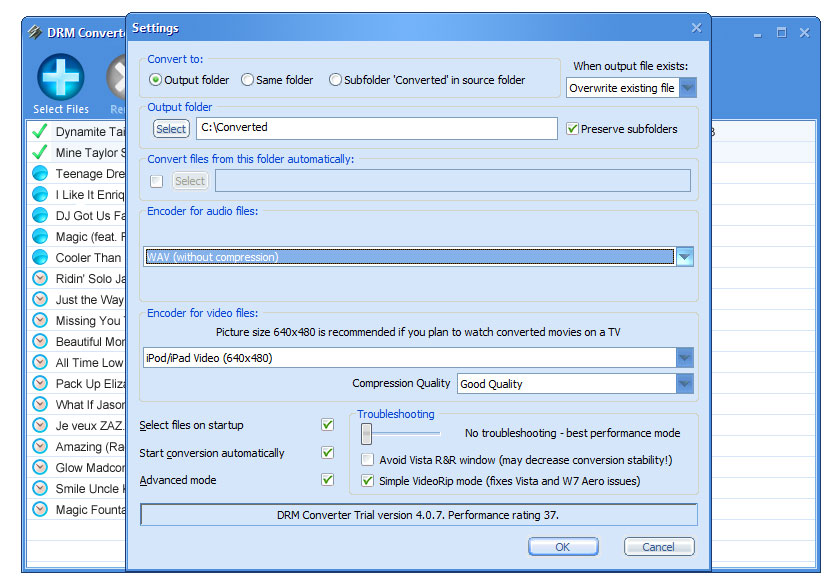
To use DRM Converter - DRM Remover Software as MP4 to WAV converter, select WAV from "Encoder" drop-down list. Select MP4 files for conversion using the "Select Files" button in DRM Converter's main window toolbar (you can use Ctrl or Shift to select two or more files) or using drag&drop (for example from the Windows Explorer). Also you can drag&drop a folder with files or a folder structure. You will see all selected MP4 files in the DRM Converter's main window. To delete a MP4 file from this list, select it and click on the "Delete" button in DRM Converter's main window toolbar. Once the MP4 files are present in your list, click the "Convert" button to convert MP4 to WAV.
WAV (or WAVE), short for Waveform audio format, is a Microsoft and IBM audio file format standard for storing audio on PCs. Uncompressed WAV files are quite large in size, so, as file sharing over the Internet has become popular, the WAV format has declined in popularity. However, it is still a commonly used, relatively "pure", i.e. lossless, file type, suitable for retaining "first generation" archived files of high quality, or use on a system where high fidelity sound is required and disk space is not restricted.
MPEG-4 Part 14 is most commonly used to store digital audio and digital video streams, especially those defined by MPEG, but can also be used to store other data such as subtitles and still drm-remover. Like most modern container formats, MPEG-4 Part 14 allows streaming over the Internet. The official filename extension for MPEG-4 Part 14 files is .MP4, thus the container format is often referred to simply as MP4. Devices that play MP4 files are referred to as MP4 players.